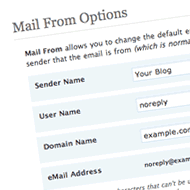
Top 15 social bookmarking plugins for WordPress to share your blog post
Blogging is all about reaching to people with all your thought and getting them to your website in a very positive manner. These days the competition from the social network zone is really up lining which is making the job of bloggers tough. Earlier things could have be easy by writing great posts, making exclusive use of SEO, sharing links etc. but this is not enough in today’s context . So to meet up with the expectation of the web crowd it is essential one show its presence so here we have brought together some exclusive plugins for WordPress that is appreciably going to help you get more out of social networks, attracting more traffic and supporters.
Don’t miss getting along with the popular social network sites.
1. Simple Facebook Connect
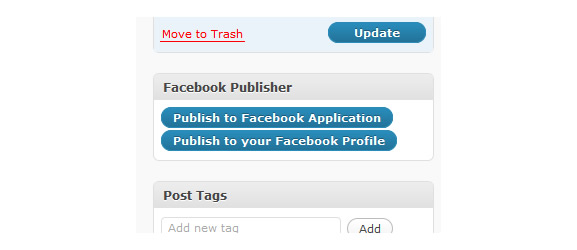
Simple Facebook Connect
If you want to add any sort of Facebook Connect functionality of your choice to a WordPress blog connect, Simple Facebook connect which his a sequence of plugins helps you achieve it.
2. Mingle

Mingle
This plugin will turn your WordPress website into a Social Network. Mingle can be used to start a new Social Networking website or can be used with the existing registered users on your Website Social Bookmarking buttons.
3. Socialite
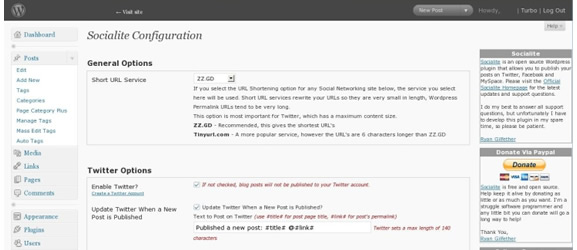
Socialite
This allows WordPress posts to publish to Facebook, Twitter and MySpace. With socialite each social networking site can be enabled or disabled for publishing. Turn Word Press into a social network site or community Social network site calls in a lot of competition, the competition cannot be foreseen so you need to try on despite the fact competition persists is though and while Word Press is an excellent tool it may not be enough.
4. Google Buzz Button For WordPress

Google Buzz Button For WordPress
Google Buzz Button for WordPress is a plugin which in your WordPress posts/pages will insert a Google Buzz Bookmark button. These button can be added manually or before or after the content automatically.
5. AddToAny
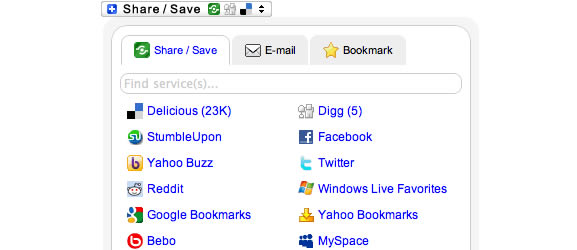
AddToAny
AddToAny helps reader bookmark, share and save your write up and pages using services, such as Facebook, MySpace, Delicious and all the rest.
6. Social Bookmarks
Social Bookmarks
7. Social Bookmarking RELOADED
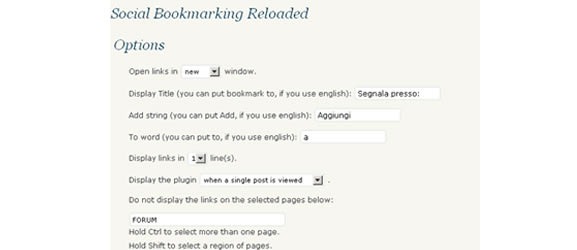
Social Bookmarking RELOADED
8. Follow me

Follow me
9. Sharethis

Sharethis
Moreover like Add to Any “ShareThis” makes it easy to add most of the share and bookmarking sites. Sharethis is not a plugin but it makes it feasible to increase traffic and engagement by simply adding the button to your blog.
10. Light Social
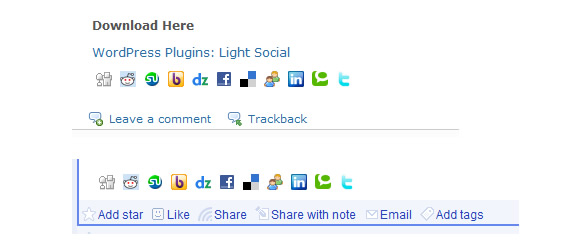
Light Social
If you are into inserting a set of social share links at the bottom of each post light social is a super lightweight plugin. With light social you can simply activate or deactivate to show or not the bookmark social links.
11. I Love Social Bookmarking plugin

I Love Social Bookmarking plugin
12. Gregarious
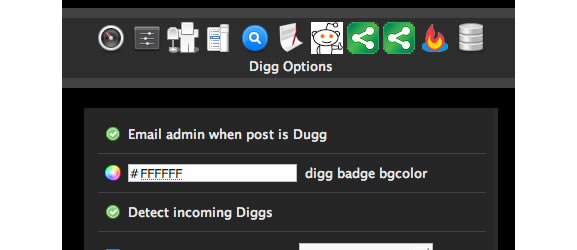
Gregarious
13. Social Dropdown
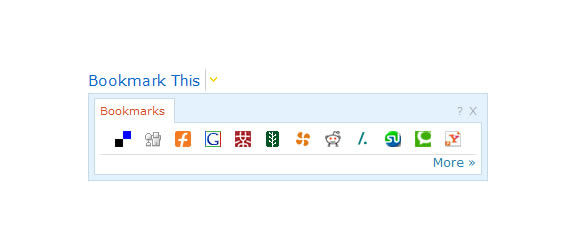
Social Dropdown
14. Tell a friend
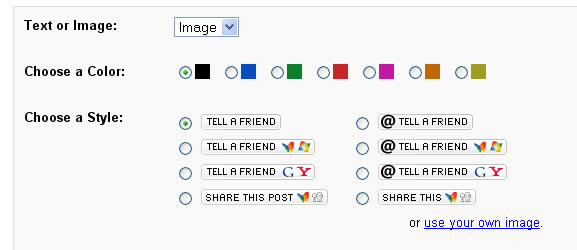
Tell a friend
15. Bookmarkify
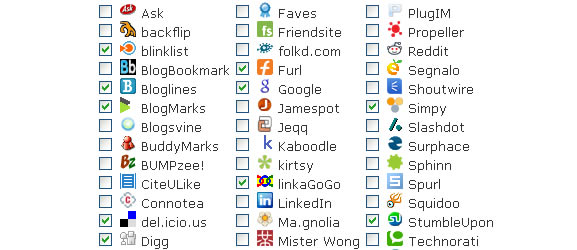
Bookmarkify